 OfficeSwap
Office Hoteling for Insurance Agencies: Share Producers' Offices on Client Days
An insurance agency runs on conversations: a renewal that needs explaining, a claim that needs a calm call, a new client who wants to talk through coverage. Those conversations are easier behind a closed door than at an open desk.
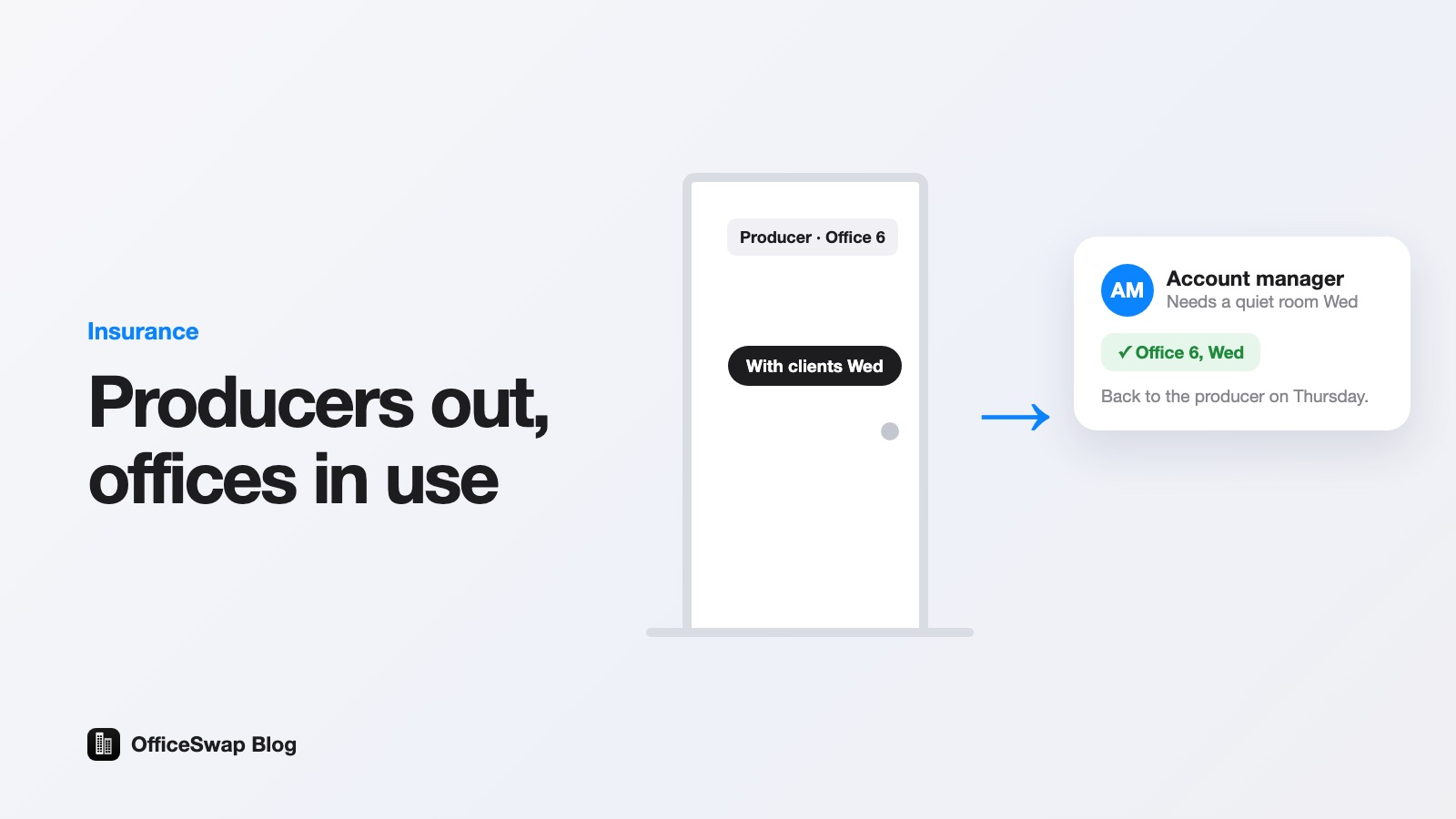
Yet producers are often out. They're at client sites, at lunches, at carrier events, or covering a branch across town. Their offices sit empty on exactly the days a colleague is looking for a quiet room. This guide explains how an agency or brokerage can fix that with office hoteling, without taking anyone's office away.
New to the term? Start with what is office hoteling.
Where an agency's space goes unused
- Producers are out with clients. Their offices are empty on client days.
- Account managers rotate between branches. They arrive at a location and have nowhere private to take calls.
- Renewal season is uneven. It can fill some offices and leave others empty, and the pattern changes from week to week.
- New hires need somewhere to sit while their own space is being sorted out.
The room exists. It just isn't connected to the person who needs it. Our empty office cost calculator shows what those idle days add up to over a year.
Why a pool of hot desks is the wrong answer
Classic hot desking assumes nobody has a seat of their own. A producer with a book of clients usually wants a base: their files, their monitor setup, a door that closes. Asking them to give that up for a desk pool is a hard sell, and policy and claims conversations are a poor fit for an open floor.
The model that fits is reverse hoteling: every office stays assigned to its holder, who lends it only on days they'll be away. On every other day it's theirs, with their things where they left them. We compare the two approaches in hot desking vs. office sharing.
How it works with OfficeSwap
- The producer offers their office for the days they'll be out: open the app, tap Offer My Office, pick the days and add an optional note.
- A colleague requests a room for the days they're in.
- OfficeSwap matches them automatically, first come, first served. If nothing is free, the person joins the waitlist and gets the next office that opens up. See how the waitlist works.
Nobody can use an office on a day its holder didn't offer. If a producer's plans change, they take the day back, and whoever was placed there goes back on the waitlist. How to offer your office has the full steps.
What producers will ask
"Will someone be in my room when I'm there?"
No. An office is only shared on the days its holder offered. On every other day it's theirs.
"Who are these people?"
Only people in your own organization. They join with your access code, and admins can require a verified work email. Nobody outside the agency can request an office. See how verification works.
"What about client and policy information?"
Put a plain rule in your policy: clear client files and lock drawers and screens before an away day, and guests don't open anything closed or use the holder's computer. OfficeSwap isn't built to hold client or policy information, so please don't enter any. Have whoever handles compliance at your agency approve the wording. Our free policy template is a starting point.
Several branches, one plan
Many agencies and brokerages have more than one location. Every OfficeSwap plan includes unlimited locations and unlimited employees, and pricing is based only on the workspaces you list. An account manager visiting another branch can request a private room before they travel. More in hoteling for traveling employees and desk space for colleagues visiting another office.
What the agency or office manager gets
- Booking rules that limit how many days a person can ask for in a week and how far ahead. See booking rules and alerts.
- Closed days for holidays, so nobody requests a day the office is shut.
- Insights on how each office is used and which sit empty, with PDF and CSV export. See office analytics for admins.
- View-only access for a manager who only needs the numbers.
There are no sensors or hardware involved. The numbers come from the offers and requests people actually make, which makes them useful when a lease comes up. Our lease renewal checklist and guide to cutting lease costs without moving show how to use them.
How to start
- Pick one branch and a handful of producers who are often out with clients.
- Set up your organization and list the private offices. See the setup walkthrough.
- Share the access code and ask those producers to offer their offices on client days.
- After a few weeks, check Insights and decide where to extend it. The rollout guide suggests a sensible order.
If some producers hesitate, how to get partners to share private offices has a short pitch you can use.
Every plan starts with a 30-day free trial, with pricing from $299 a month after that, billed monthly. See the pricing page, read the page for insurance agencies and brokerages or try the demo (code DEMO). When you're ready, start your free trial.
From the OfficeSwap blog: officeswap.co/blog/office-hoteling-for-insurance-agencies/