
For people on leave
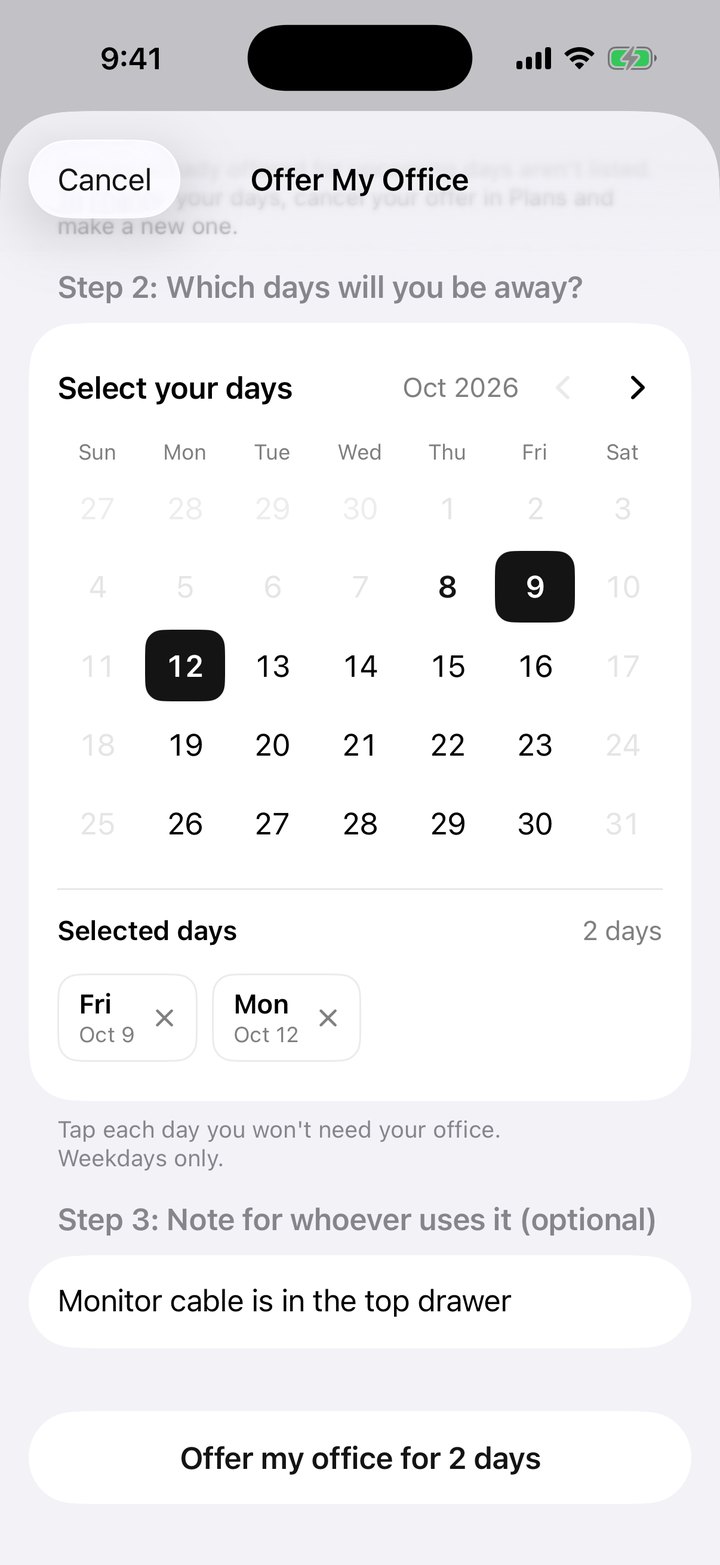
Out for a week. Their office keeps working.
Offer your office for the days you're away. The next person waiting gets it, and it's back to you when you return.
Office hoteling for firms with private offices. Get more from the space you already lease, across every location, with no hardware and no change to who owns which office.
30-day free trial, then from $299 a month. Unlimited employees and locations, billed monthly, no annual contract.
Used by teams at
Out for a week. Their office keeps working.
Offer your office for the days you're away. The next person waiting gets it, and it's back to you when you return.

In from another office? Sorted before you land.
Pick the location you're visiting and the days you'll be there. You're matched to an office in that building.

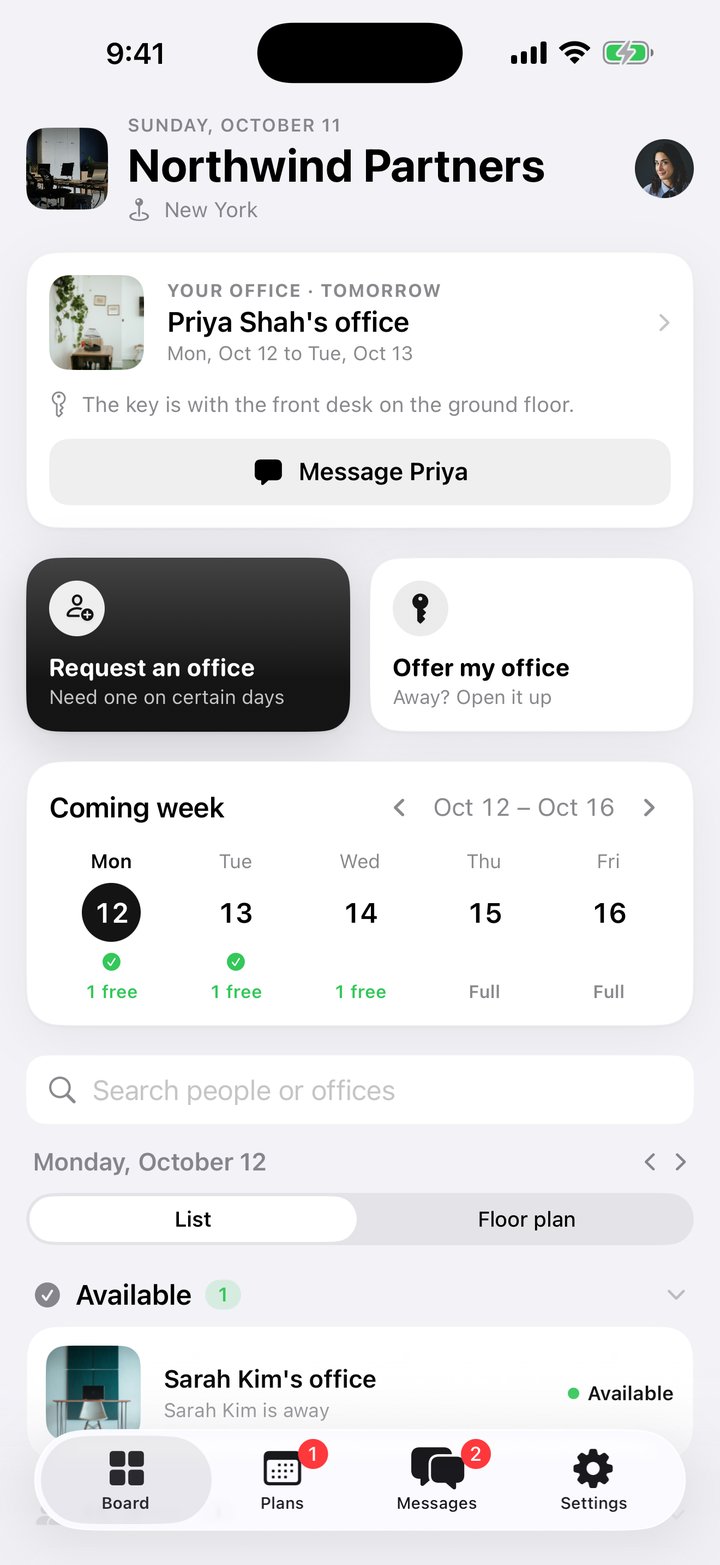
Who's in, who's visiting and what's open, at a glance.
Teammates in on the same days get offices near each other, and the floor plan shows where everyone is.

Shared desks are always up for grabs.
Desks with no owner are offered every day. Ask for one and it's yours, no hunting around the floor.

Day one, and your office is ready.
Request an office before you start. You're matched to one for the days you'll be in, with nothing to set up.

Deadline week? Get the whole team in together.
Request offices for the same days and OfficeSwap seats teammates near each other when it can.
LESS EMPTY SPACE
When someone is away, their office goes to a colleague who needs it. You waste less space and can lease less over time.
NO ADMIN WORK
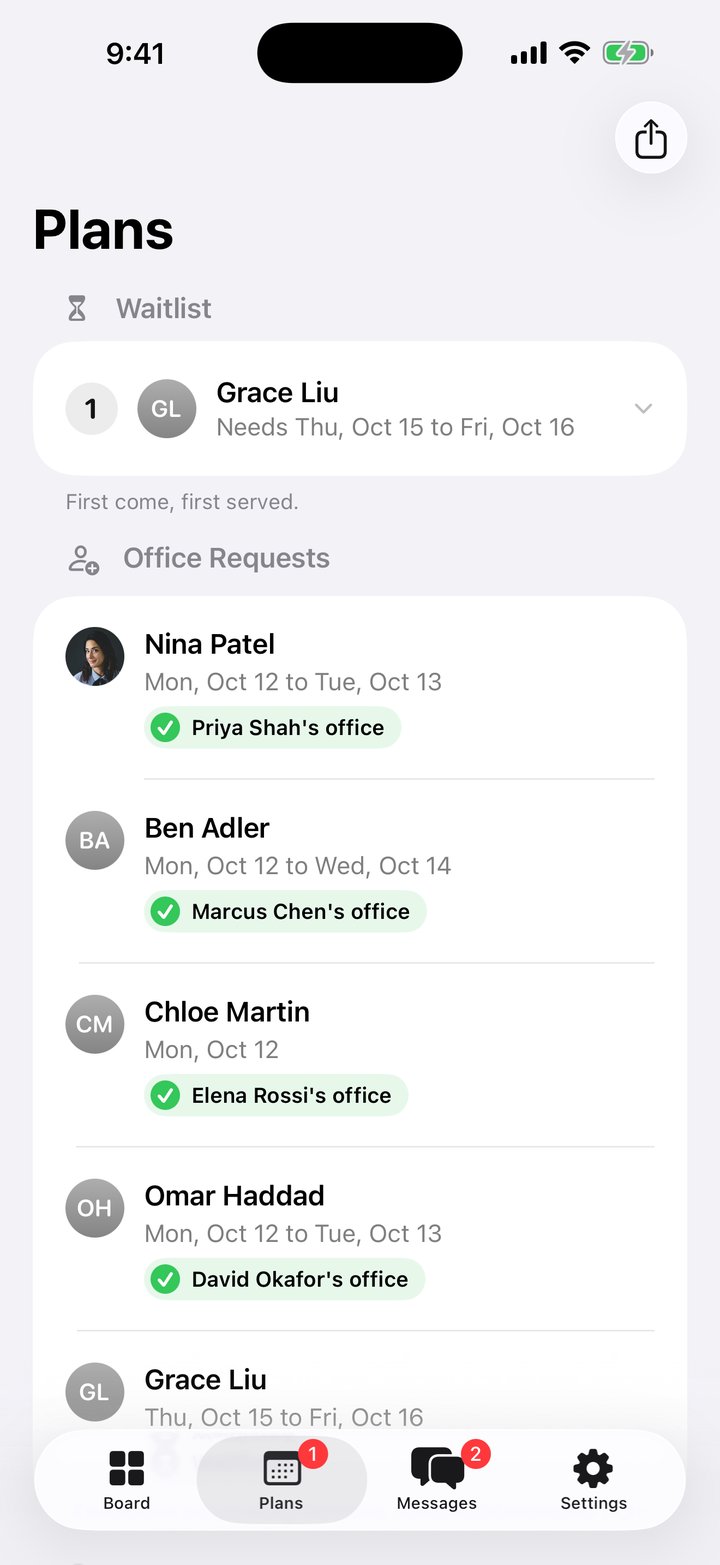
Requests are matched automatically, first come, first served, and a waitlist fills as offices open. No spreadsheets, no email chains.
NOBODY LOSES AN OFFICE
An office is shared only on the days its holder offers it. Every other day it's theirs, so people say yes.
OfficeSwap is private to your company: only your employees, with your access code, can see or use your workspaces.
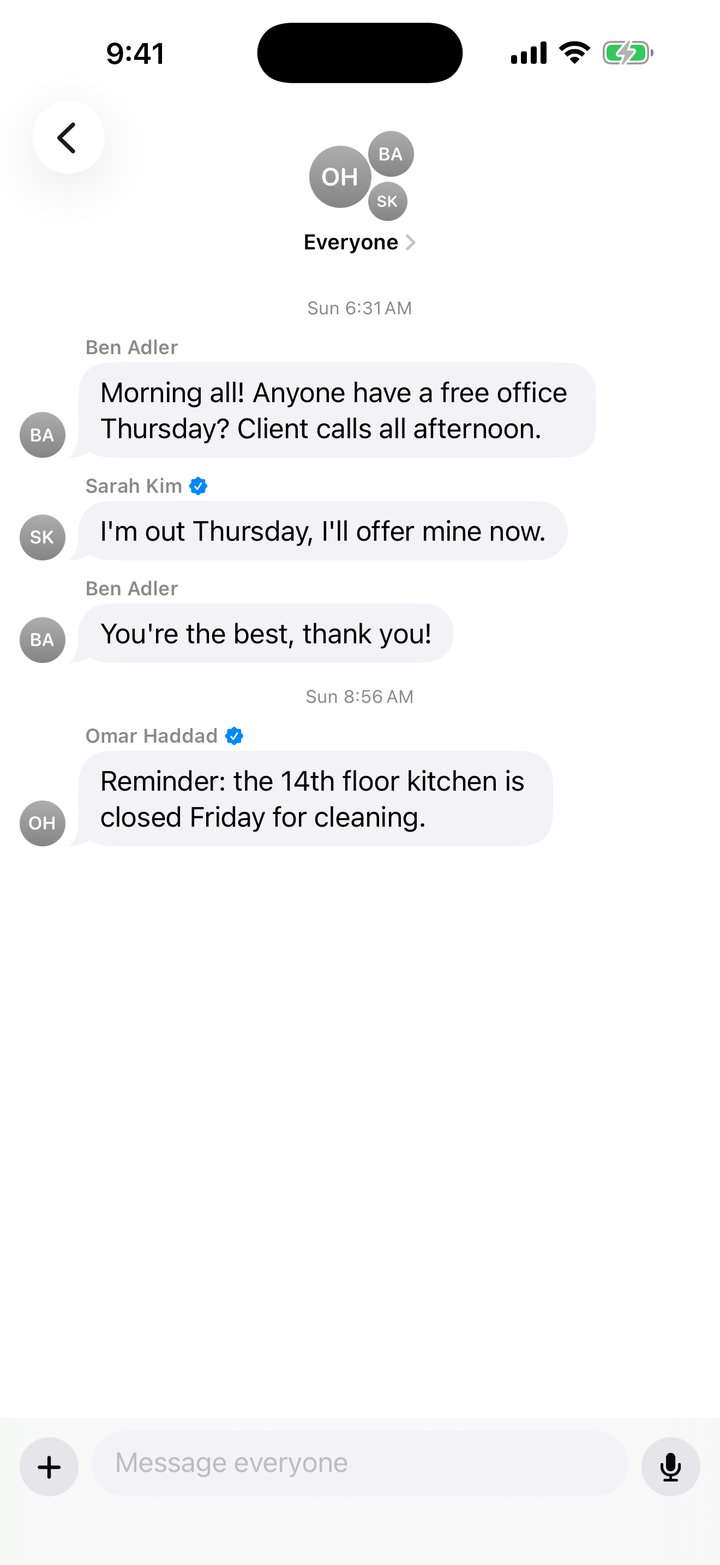
Tap, choose, done. There's nothing to set up, and you can even book by email.


Tap the screen, the dots or the list to explore the app
Switch the board to Floor plan and see your offices in 3D: who's in each one, who's visiting, and which are free. Drag to turn it around.
Drag to turn
Whoever runs the office gets one place to see it all and keep it fair: in the app with the admin code and two-step sign-in, and on the web from any computer.
New to it? The admin guide walks through every tool.
Write to book@officeswap.co, or copy it on an email you're already sending. OfficeSwap reads it, books it, and replies with exactly what it did.
For people who've verified their work email, and only their own days change. Admins follow the same booking rules and can switch it off.

Your office request
You asked for an office in New York on Tue, Oct 13, Wed, Oct 14 and Thu, Oct 15. Here's where things stand:
Reply undo to put it back.
OfficeSwap
People enter an address at your company's domain and open the link we send them. No passwords, and personal addresses don't count.
The address has to look like the name they use in OfficeSwap, so nobody can borrow a colleague's identity.
On the board, in Messages and on their profile, so you know exactly who's borrowing your office.
Admins pick which features need a verified badge, or turn verification off entirely.
OfficeSwap never asks for a photo of you or a government ID. Scans saved by earlier versions are being deleted.
Work emails are visible only to your organization's admins, who can remove a badge anytime.
No advertising and no selling your data. Just crash reports, and you can turn those off.
Your team joins with your organization's code. No accounts to make and no phone numbers to hand over.
OfficeSwap keeps who's in, who's away and your messages, plus your work email if you verify. Nothing else.
Cancel any request or offer, delete a message, or ask us to delete your whole organization's data.
Private by design: only people in your organization see what your team types in. Read the Privacy Policy, or see how we keep your data safe.
Native SwiftUI, in 20 languages.
One access code. No passwords.
Every phone updates the moment anything changes.
The earliest request wins.
Only people with your access code can see it.
Filled the moment an office opens.
Point your camera at a printed staff list. Names, offices and photos fill in themselves.
Post new bookings and an 8 AM summary of the day to Slack or Microsoft Teams, pull days away from Google, Outlook or iCloud Calendar, subscribe to your own office days from any calendar app, and share the whole schedule as a spreadsheet anywhere your iPhone can.
 Google Sheets
 Excel
 Numbers
 Mail
 Messages
 AirDrop
 Files
 Google Drive
 Slack
 Teams
 Gmail
 Outlook
 Dropbox
 OneDrive
 WhatsApp
Apps appear in the share sheet when they're installed on your iPhone.
Move the sliders to match your team. It's all worked out here in your browser.
Estimate: offices times days away, with a month counted as 21 workdays. Each dot is one office on one workday. OfficeSwap can hand every green one to a colleague who needs it.
Unlimited employees. Unlimited office locations. Simple, fixed monthly pricing.
$299/ month
1 to 19 listed workspaces
$699/ month
20 to 99 listed workspaces
$1,099/ month
100 to 249 listed workspaces
$1,999/ month
250 or more listed workspaces
Plans count only the individual desks and offices you list on OfficeSwap, not every desk your company owns. OfficeSwap subscriptions are billed monthly; there are no annual options. Prices in US dollars, plus any applicable taxes. How pricing works · Billing & Refunds
Built for private-office firms: law firms, accounting firms, engineering and architecture firms, wealth management firms, consulting firms, medical and dental groups, insurance agencies. See all industries.


An app for iPhone, iPad and Apple Watch for sharing offices within one organization, where some people have their own office and others don't. Office holders offer their office on the days they're away, colleagues without an office request one, and the app matches them automatically. Offices are only ever shared with people in your own organization.
It puts the offices your company already has to use. When someone is out, their office goes to a colleague who needs one instead of sitting empty. New hires, part-timers and coworkers visiting from another location get a quiet room, office holders keep theirs every other day, and nobody has to chase emails or spreadsheets to find a space.
No. In Settings, scan a printed staff list or directory with your iPhone camera. OfficeSwap reads each name, office number and photo, and you check the list before anything is added.
On the Board, tap Request an Office, choose your name and pick the days you'll be in. If an office is free on those days, it's assigned to you right away.
You join the waitlist. As soon as someone offers an office on one of your days, it's assigned to you automatically. No need to check back.
No. It's only shared on the days you pick. You keep it on every other day.
Only people with your organization's access code. They can see and change it in the app, so keep the code private.

OfficeSwap
OfficeSwapShare private offices on the days people are away
Where would you like to start?