 OfficeSwap
How to Measure Office Utilization Without Sensors

When someone asks "how well are our offices used?", the honest answer at most firms is a guess. Occupancy sensors are one way to replace the guess, but they mean hardware, installation, IT and privacy conversations, and an ongoing cost. For a firm of a few dozen private offices, that's often more than the question deserves.
You can get a good answer without them. This guide covers what to measure, five practical methods and a worked example you can copy.
What "utilization" should mean
Pick the unit first, or you'll end up comparing numbers that don't match. For private offices, the most useful unit is the office-day: one office, on one workday. Then:
- Utilization = office-days in use ÷ office-days available.
- In use means someone worked in the office for a meaningful part of the day, whether that's its holder or someone borrowing it.
- Available means workdays the building was open. Leave out weekends, holidays and closures.
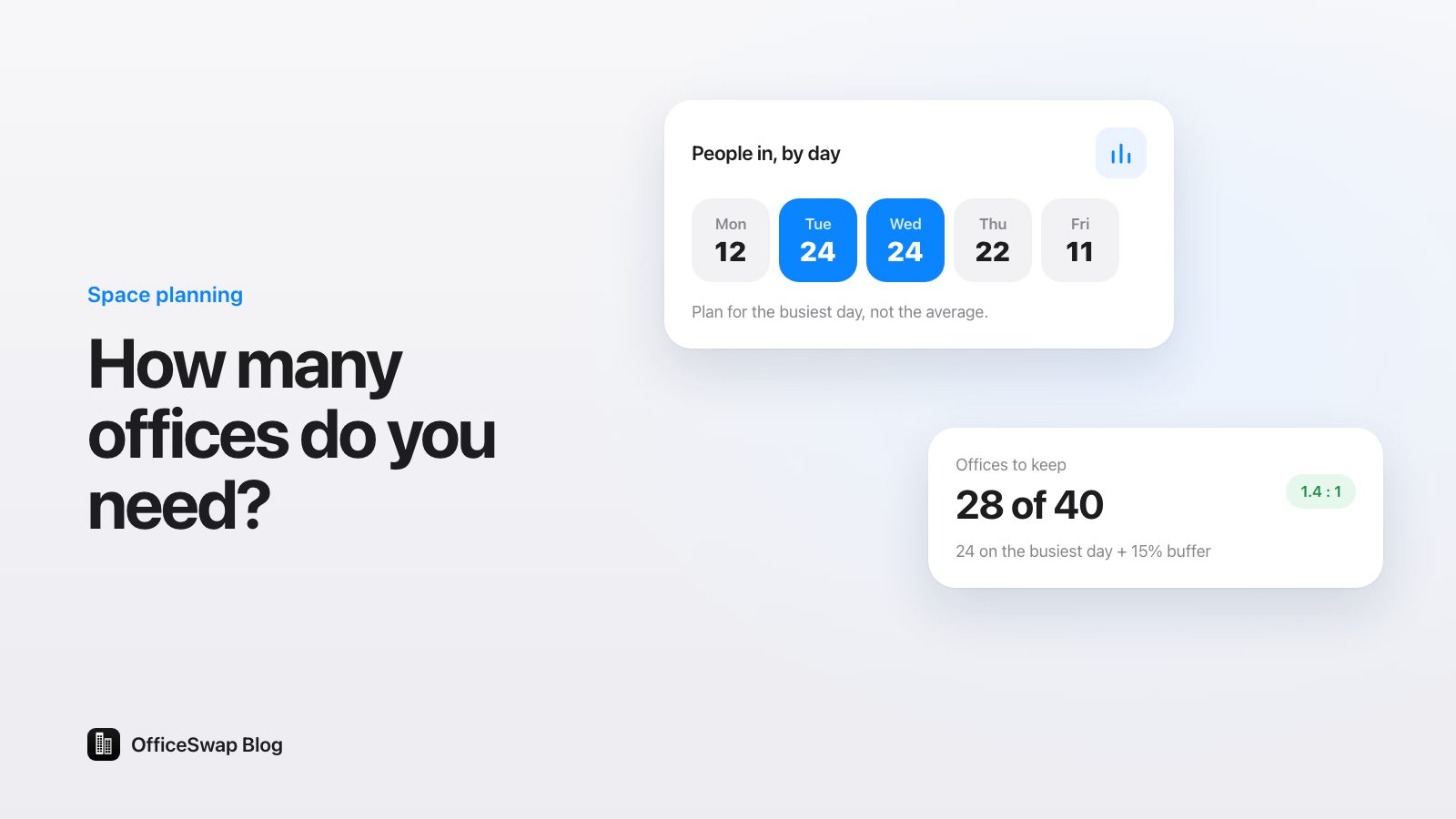
Also track peak as well as average. A building that averages half full but is completely full every Tuesday has a different problem from one that's half full every day.
Here are five ways to measure it without sensors, from quickest to most complete.
1. Walk-through counts
Walk the floor at set times and note which offices are occupied. Twice a day, say mid-morning and mid-afternoon, for two to four normal weeks, is usually enough to see a pattern. Use a simple sheet: one row per office, one column per walk.
Pros: cheap, accurate for what it sees, and it catches things systems miss, like offices used for storage. Cons: time-consuming, and it's a snapshot. Avoid weeks with holidays or unusual events.
2. Calendar and leave data
Vacation, leave and travel records tell you when office holders are definitely out. Out-of-office calendar events add conferences and client days.
Pros: you probably already have it, and it covers the whole year. Cons: it shows when people are away, not whether anyone used their office. It also misses unrecorded remote days.
3. Badge or access data
If your building uses key cards, entry logs show who came in each day.
Pros: automatic and complete. Cons: it tells you who came through the door, not which room they worked in, so it can't tell you whether an office was empty. Treat it as an attendance figure, not a utilization one. Check with whoever owns the data before using it, and share only aggregates.
4. A short survey
Ask office holders how many days in a typical month they're out, and ask people without offices how often they couldn't find a quiet room.
Pros: fast, and the second question measures unmet demand, which no other method captures. Cons: people's estimates are rough. Use it alongside one of the other methods.
5. Booking data from office sharing
If office holders offer the days they're away and colleagues request the days they need, the bookings themselves are a record of how offices were used: which office-days were offered, which went to someone else and which sat empty. It's the only method here that measures supply, demand and use at the same time, continuously.
In OfficeSwap, admins see this in Insights: desk-days shared, requests filled, empty desk-days and the busiest day for any week, with a chart for each weekday split into office holders in, visitors and empty. Each office also gets an office health score out of 100, based on how many of the last eight weeks' workdays it was in use, and Export gives you a PDF and a CSV. More in office analytics for admins.
A worked example
A firm with 20 private offices does walk-through counts twice a day for two weeks: 10 workdays, so 20 × 10 = 200 office-days available. An office counts as in use on a day if it was occupied on at least one of the two walks.
- Offices occupied on at least one walk: 128 office-days.
- Utilization: 128 ÷ 200 = 64%.
- Empty office-days: 200 − 128 = 72, or 7.2 a day on average.
- Busiest day: Tuesday, with 18 of 20 occupied. Quietest: Friday, with 9.
The survey adds the other half: 8 people without offices say they couldn't find a quiet room at least once a week. So on an average day, about 7 offices sat empty while people who needed one went without. That's the gap office sharing closes.
These numbers are made up to show the method. To put a cost on your own empty office-days, use the empty office cost calculator or the full method in how to calculate the cost of empty offices.
Common mistakes
- Measuring an unusual week. Holiday weeks, busy season or a big offsite will skew everything. Note what was happening.
- Counting only office holders. An office used by a colleague is in use. Count both, and track them separately if you can.
- Confusing attendance with utilization. 80% of people badging in doesn't mean 80% of offices were used.
- Ignoring unmet demand. Low utilization plus people with nowhere to sit isn't too much space. It's space in the wrong hands on the wrong days.
- Measuring once. A one-off study goes stale. A light continuous method is worth more than a thorough one-time one.
Turning the numbers into decisions
- Low utilization, little unmet demand: you may have more space than you need. Worth raising before your next lease renewal; see office space planning before a lease renewal.
- Low utilization, plenty of unmet demand: share offices on away days. That's reverse hoteling.
- High peaks on certain days: spread team days across the week. Our hybrid office schedule guide covers how.
- A few offices always empty: check whether they're really assigned, or should become guest desks.
Measure as you go
Walk-throughs and surveys are a good way to make the case. Once you start sharing offices, the measurement takes care of itself. OfficeSwap works on iPhone and in any browser, with no hardware, and includes unlimited employees and locations. Plans run from $299 to $1,999 a month by listed workspaces, billed monthly, with a 30-day free trial; see pricing and how it compares with desk-booking tools on our comparison page.
To see Insights for a sample firm, try the demo: open officeswap.co/app and enter the code DEMO.
From the OfficeSwap blog: officeswap.co/blog/measure-office-utilization-without-sensors/