 OfficeSwap
How to Plan a Hybrid Office Schedule Without Wasting Offices
Hybrid work changed how often people come in, but most buildings still hand out space the old way: one person, one office, every day of the week. When that person is home on Monday and Friday, their office sits dark while someone without an office hunts for a spot down the hall.
You don't need to tear up the floor plan to fix that. You need a schedule that knows who's away and who's coming in, and that puts the two together.
Start with the days, not the desks
Most hybrid plans start by counting desks. A better first question is which days does each person actually need a room? Someone who comes in Tuesday and Wednesday needs two days of office, not a permanent one. Someone who is out for a conference on Thursday has a free office that day, even if it's "theirs" every other day.
Once you think in days, the office list stops being fixed and starts being a calendar: every office, every day, either in use by its owner, lent to someone, or empty.
Let owners keep their offices
The quickest way to sink a sharing plan is to tell people they're losing their office. They aren't, and they shouldn't. Owners keep their office on every day they're in. They only open it up on the days they choose to be away, and they can take it back by cancelling the offer.
Framed that way, sharing isn't a policy imposed on owners. It's a favor they can do for a colleague with a couple of taps, and nothing changes on the days they're there.
Make requests specific
A request for "an office sometime next week" is hard to match. A request for Thursday the 8th and Friday the 9th is easy. Ask people to pick exact days, and to cancel the moment their plans change, so the room can go to someone else.
Match automatically, and fairly
Matching by hand works for five people. Past that, it turns into a stream of messages: "Is anyone using 4B Thursday?" The rule that holds up best is simple and visible:
- First come, first served. The earliest request gets the next open office.
- Exact days only. An office is lent for the days its owner offered, no more.
- Fewer moves. If you're in for several days, stay in one office when possible instead of switching every morning.
We wrote more about this in how OfficeSwap keeps every office fair.
Keep one shared schedule
When the plan lives in someone's inbox, it's out of date the moment it's sent. Everyone should see the same schedule, updated as soon as anyone makes a change, so nobody shows up to a room that was already given away.
A week that works
- Monday morning: owners who know they'll be out later in the week offer those days.
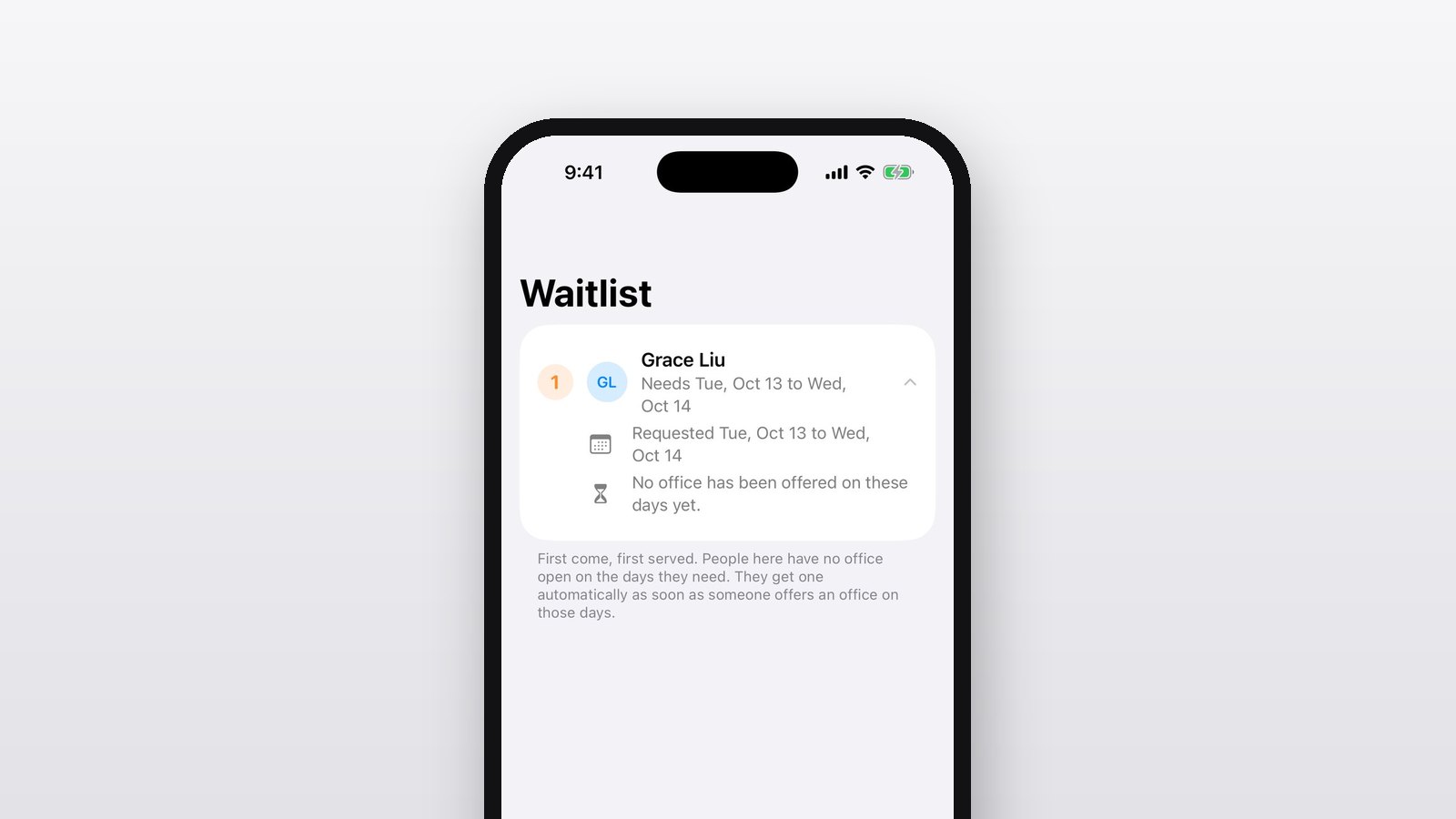
- Through the week: people coming in request the days they need. If an office is free, they get it right away. If not, they join the waitlist.
- Plans change: someone's trip is moved, so they cancel their offer. Anyone placed in that office goes back on the waitlist and gets the next office that opens up.
- Each morning: the board shows which offices are free today and who's visiting where.
How OfficeSwap does it
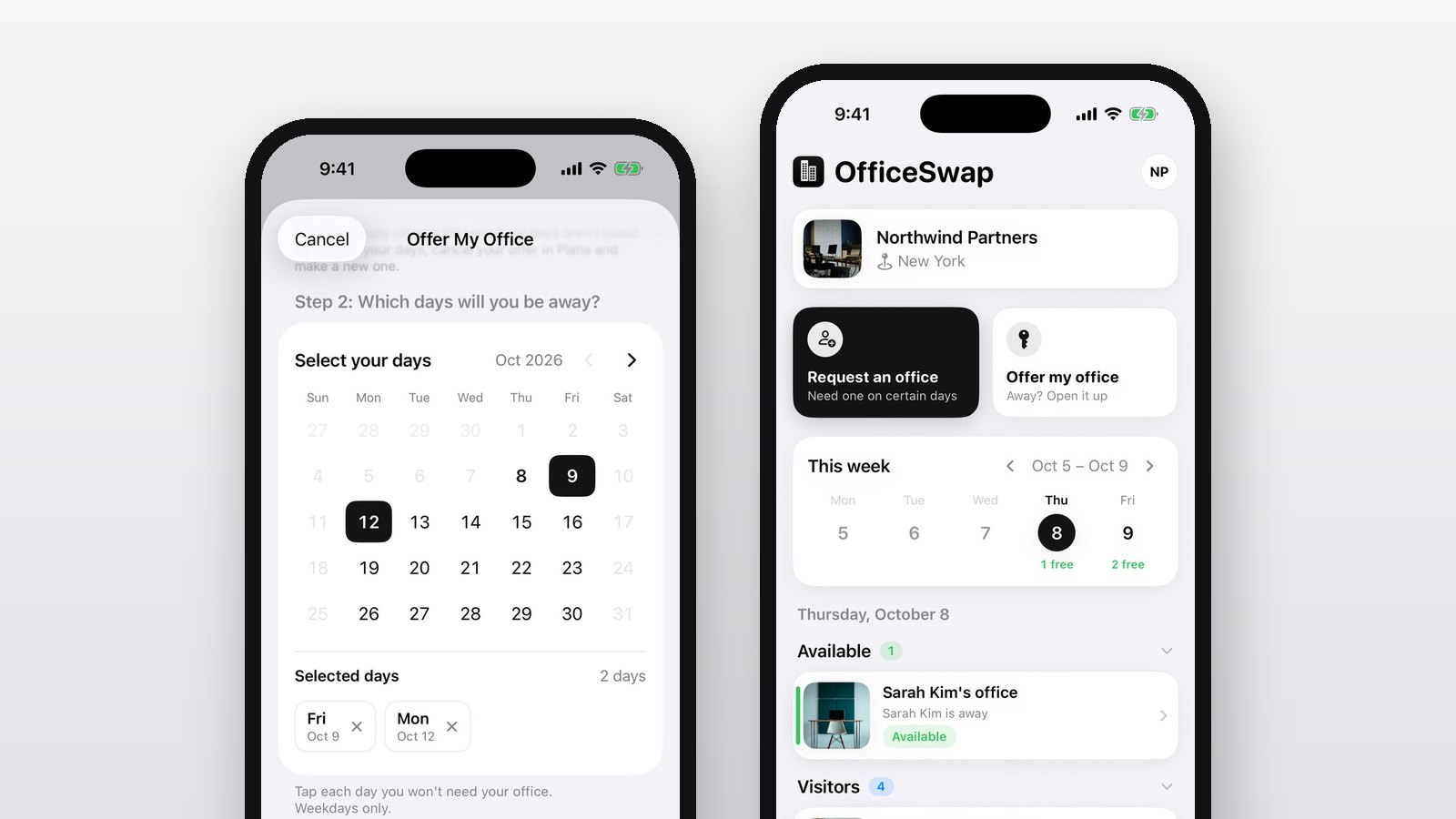
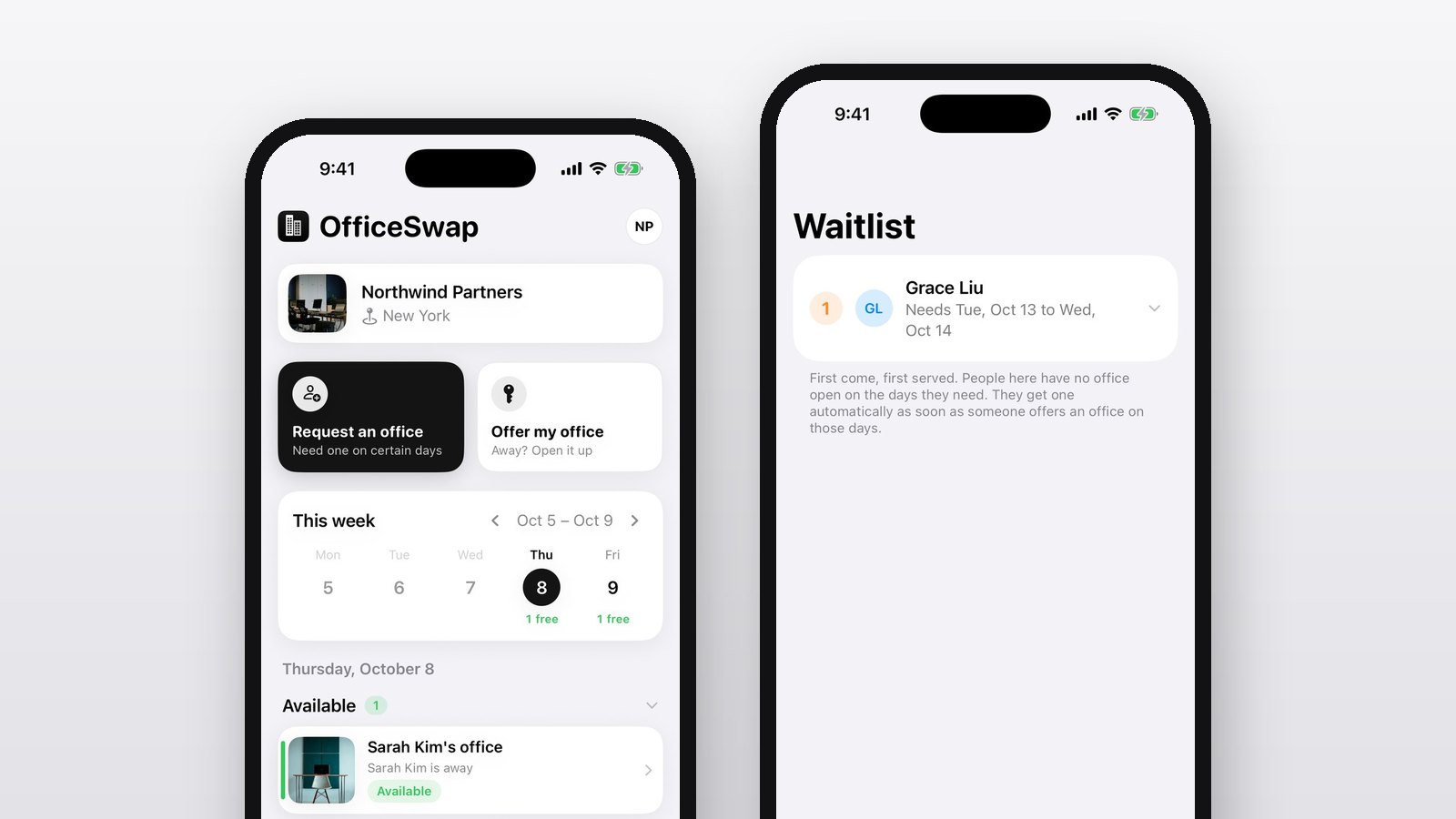
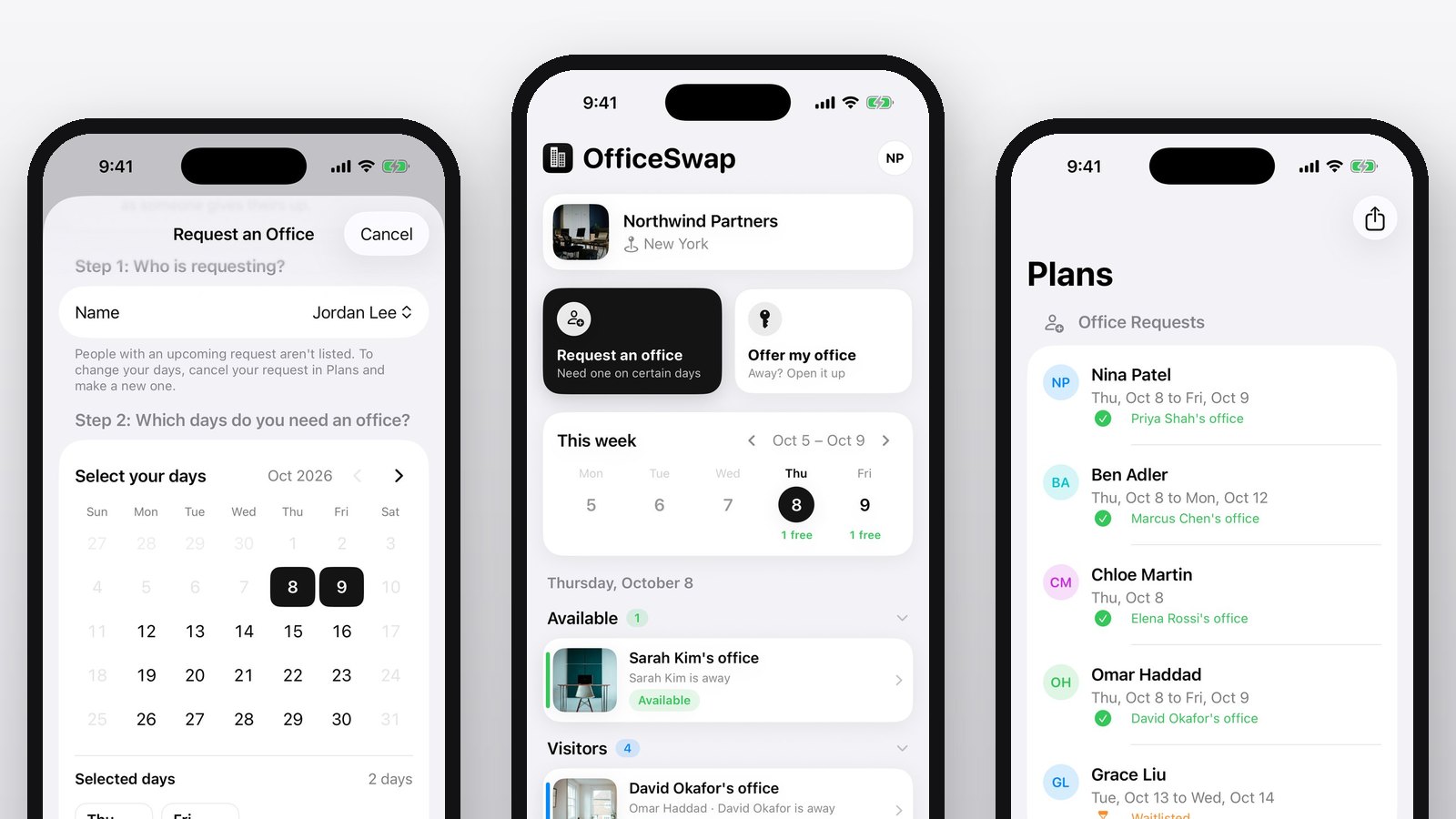
OfficeSwap is built around exactly this week. Owners tap Offer my office and pick the days they're away. Everyone else taps Request an office and picks their days. The app matches them on the spot, keeps a first-come waitlist for days with nothing open, and shows the whole organization one live schedule in the Board and Plans tabs. There are no accounts to manage: your team joins with an access code.