 OfficeSwap
Hot Desking Alternatives for Firms With Private Offices

Hot desking is the default answer to "we have empty space and not enough of the right space." Remove assigned seats, let everyone book from a pool, and the numbers work out on paper. For open-plan offices, that can be fine.
For firms built around private offices, it usually isn't. Partners, principals and senior staff have offices for real reasons: confidential calls, client meetings, focused work and, yes, status. Asking them to give those up is a fight most office managers don't win. This guide compares the realistic alternatives and how to pick one. For a quick definition of the two main options, see hot desking vs. office sharing.
Why hot desking struggles in private-office firms
- It takes something away from the most senior people. The people whose buy-in you need are the ones who lose the most.
- Private offices aren't interchangeable. They hold files, books, equipment and personal setups. Clearing one every evening isn't practical.
- It often means a fit-out. Hot desking tends to come with lockers, new furniture and a reworked floor plan.
- It doesn't solve the actual problem. The problem is usually that some offices sit empty while some people have nowhere quiet to work. You can fix that without unassigning anything.
Here are five realistic alternatives, with what each is good for.
1. Office sharing (reverse hoteling)
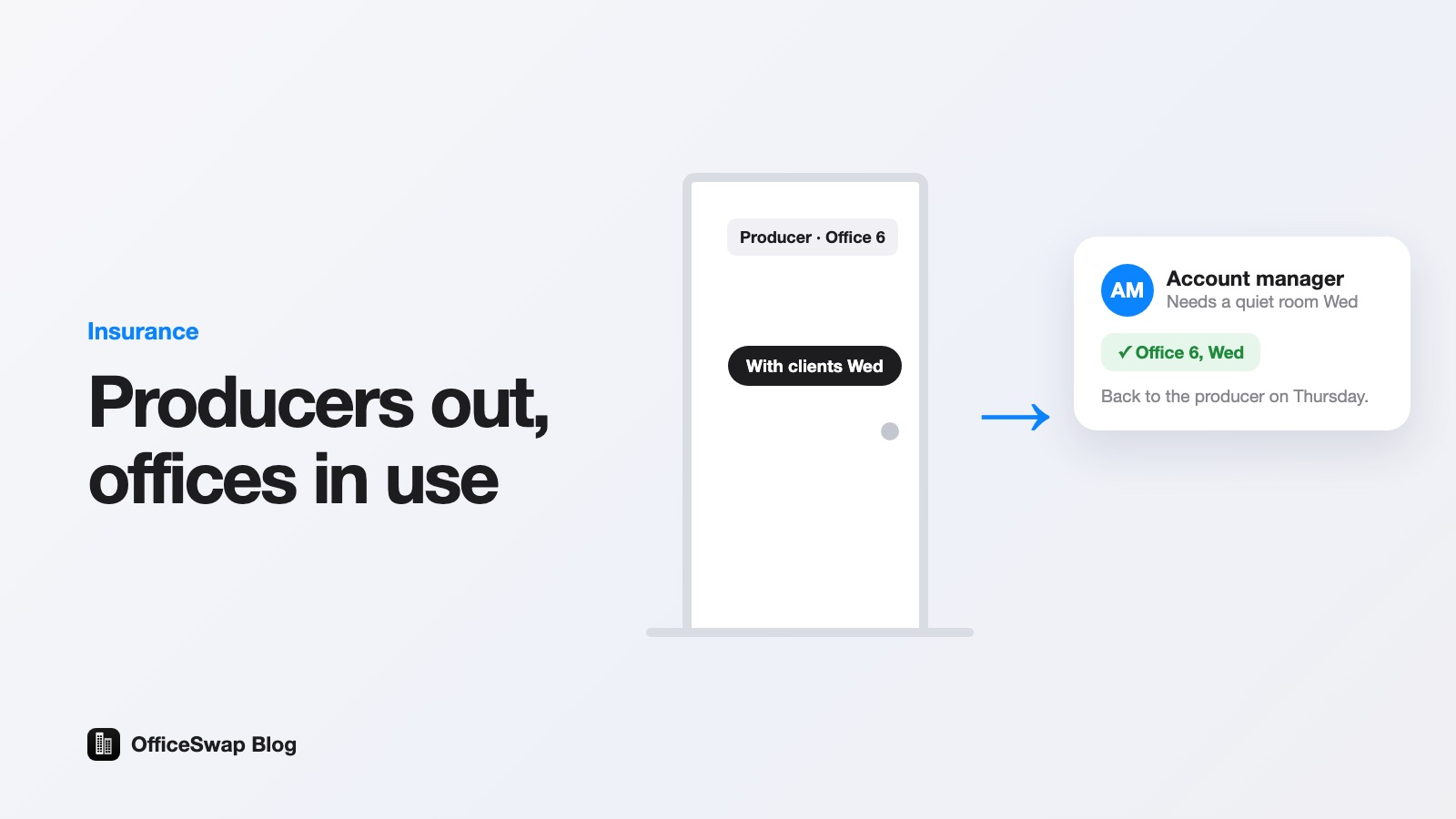
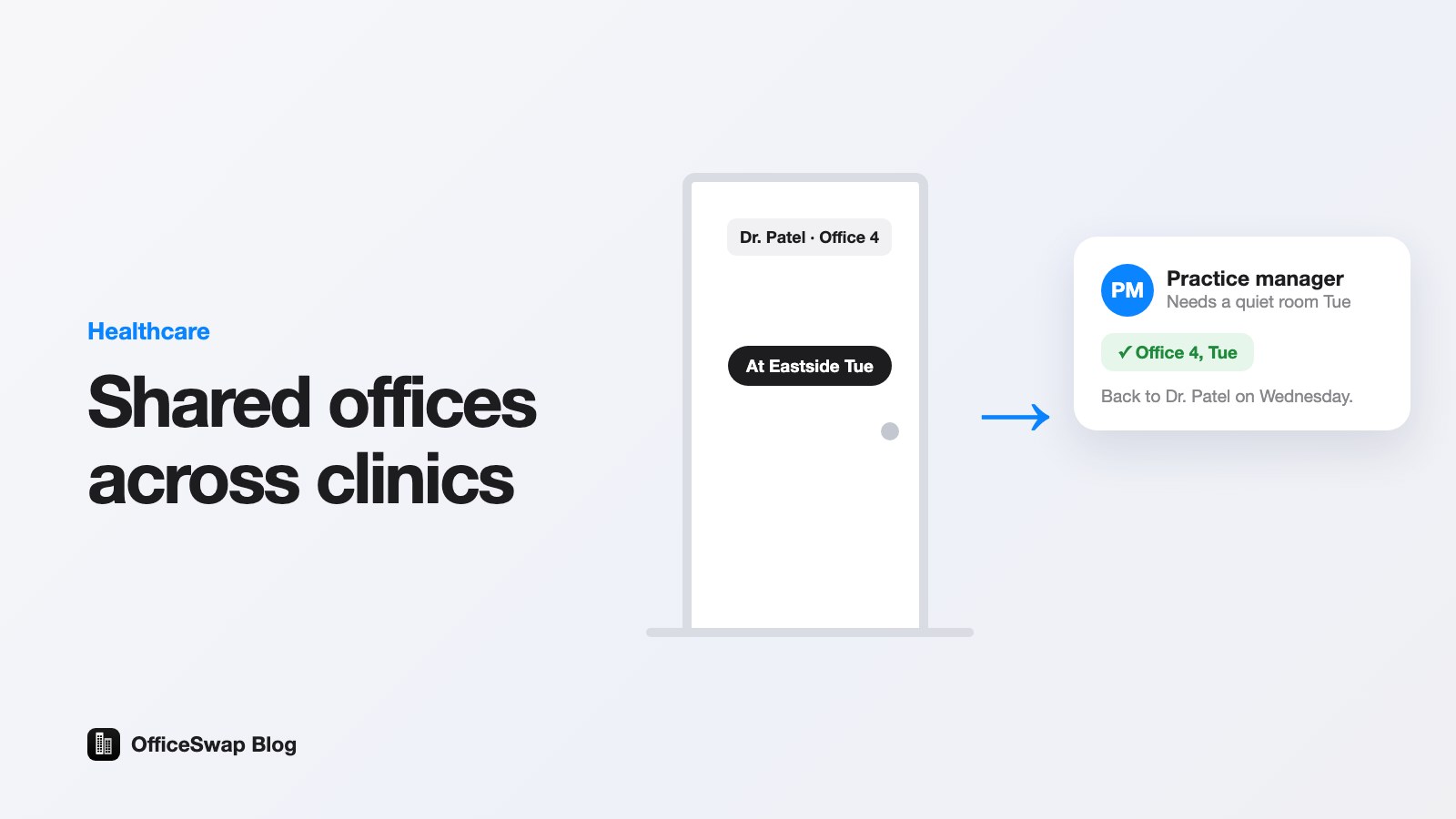
People keep their assigned offices. On days they're out, they offer them, and colleagues without an office request the days they need. When the holder is in, the office is theirs as usual. This is also called reverse hoteling.
Good for: law, accounting, advisory, architecture, universities, clinics: anywhere with lots of private offices and people who are regularly out.
Watch out for: it only has space to give if office holders actually offer their days, so offering has to be quick.
2. Hoteling
Workspaces are unassigned and reserved in advance, often for a specific room. It's hot desking with a booking system on top.
Good for: organizations where most people are rarely in, like consultancies with staff at client sites most of the week.
Watch out for: the same objection as hot desking: nobody keeps a room of their own.
3. Assigned offices plus a few guest desks
Keep everything as it is, and set aside a handful of unassigned rooms or desks for anyone who needs one.
Good for: small firms with a spare room or two and modest demand.
Watch out for: guest desks fill up on busy days, and they add space you pay for every day. It works best combined with office sharing, so empty assigned offices take the overflow.
4. Team neighborhoods
Each team gets a zone of desks and decides among themselves how to use it.
Good for: open-plan floors with stable teams.
Watch out for: it doesn't address private offices at all, and zones often end up as informal assigned seating.
5. Rotating schedules
Two or more people share an office on fixed alternate days, such as Monday to Wednesday and Wednesday to Friday.
Good for: pairs of part-timers with predictable schedules.
Watch out for: it breaks the moment one person's week changes, and it still takes away a room of one's own.
How to choose
Ask four questions:
- Do most people have a private office? If yes, start with office sharing. If almost nobody does, hot desking or hoteling is simpler.
- Are office holders regularly out? Travel, court, client visits, teaching, leave and remote days all create space to share.
- Who needs space? Associates, new hires, interns, part-timers, seasonal staff and visitors from other locations.
- Can you change the floor plan? If not, choose something that works with the rooms you have.
Most firms with private offices end up with a combination: office sharing for the assigned offices, plus a few guest desks for overflow.
A worked example
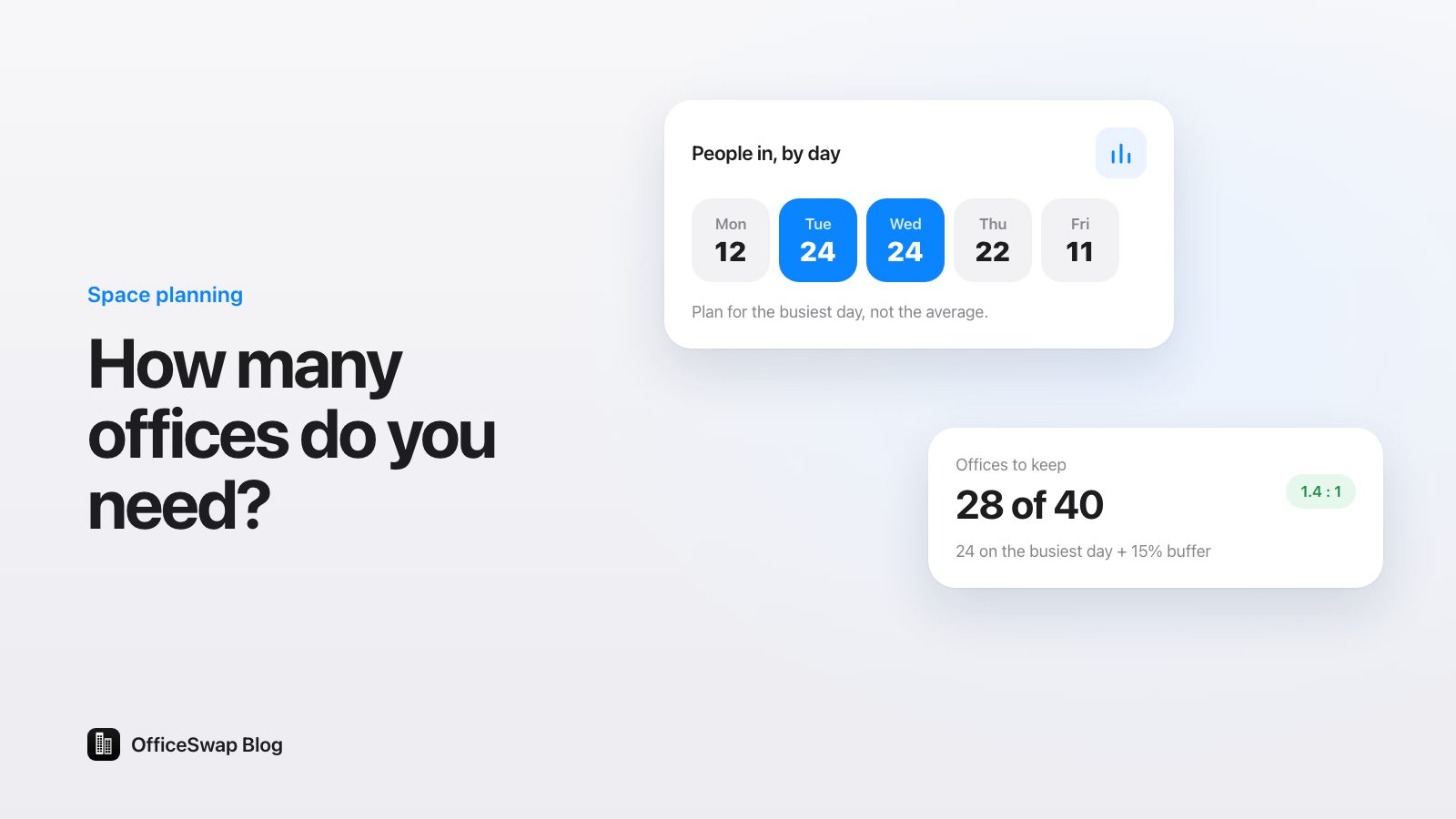
A firm has 30 private offices, 3 spare rooms and 12 people without an office. Hot desking would mean unassigning all 33 rooms. Instead, they list the 3 spare rooms as guest desks and ask office holders to offer their away days. If office holders are out an average of 4 days a month each, that's 30 × 4 = 120 offered office-days a month, on top of the 3 guest desks every day. Nobody gave anything up, and the 12 people without offices have far more chance of a quiet room on the days they're in.
These are illustrative numbers. Plug in your own with the empty office cost calculator.
Making office sharing work in practice
- Offering must take seconds. In OfficeSwap, office holders tap Offer My Office, pick their days and add an optional note for whoever uses it.
- Requests are for days, not rooms. People tap Request an Office and pick the days they'll be in. Matching is automatic, first come, first served.
- Nobody gets stranded. If nothing is free, people join the waitlist and get the next office offered on their days. See how the waitlist works.
- Guest desks fill the gaps. Rooms with no holder can be listed as guest desks, always available.
- Rules keep it fair. Admins can set booking rules (days a week per person, weeks ahead) and closed days for holidays.
- Insights shows what's happening. Requests filled, empty desk-days and an office health score per office. See measuring office utilization without sensors.
What about desk-booking software?
Most workplace tools were built for hot desks and meeting rooms, and some treat assigned spaces as simply not bookable. If your firm runs on private offices, that's the part you most want used. Our comparison page sets OfficeSwap against Robin, Skedda, Envoy, OfficeSpace and Joan, using facts from their own websites.
OfficeSwap is priced by listed workspaces, not people: from $299 a month for up to 19 workspaces to $1,999 a month for 250 or more, billed monthly, with unlimited employees and locations and a 30-day free trial. See pricing.
To see office sharing at a sample firm, try the demo: open officeswap.co/app and enter the code DEMO.
From the OfficeSwap blog: officeswap.co/blog/hot-desking-alternatives-private-offices/