 OfficeSwap
Best Office Hoteling Software: What to Look For and Where OfficeSwap Fits

There's no single best office hoteling software. The right one depends on what you're sharing, how many locations you have and how much work you want your team to do. This guide explains what to look for, and where OfficeSwap fits.
Not sure what hoteling is? Start with what is office hoteling.
Start with what you're sharing
Hoteling software generally falls into three groups:
- Open-plan desks and hot desks. People book a desk on a floor plan, often with check-in and room booking built in. Most workplace tools are built for this.
- Meeting rooms and resources. Booking rooms, equipment and parking alongside desks.
- Private offices that already belong to someone. The office holder shares their own office on the days they're away. This is the case for many law, accounting, wealth management and engineering firms.
Many products are strongest in the first group. If your people have private offices, check whether an assigned office can be released by its holder, or whether it's simply marked "not bookable".
What to look for
- Does it fit private offices? Can the person who has an office offer their own days, and get it back afterward?
- Automatic matching and a fair waitlist. Requests should be matched to free offices without an admin juggling a calendar.
- Multiple locations. Can visitors from another office request a space before they travel?
- Simple pricing. Is it priced per user, per space or per location, and billed monthly or annually? Watch for hardware and platform fees.
- Easy to roll out. Can your team start in a day without installing sensors or hardware?
- Reports. Can you see how offices are really used?
- Privacy and access. Who can see your schedule, and is it only people in your organization?
- A real free trial. Try it with your own offices before you commit.
Where OfficeSwap fits
OfficeSwap is built for the third group: firms with private offices. Here's how it answers the checklist.
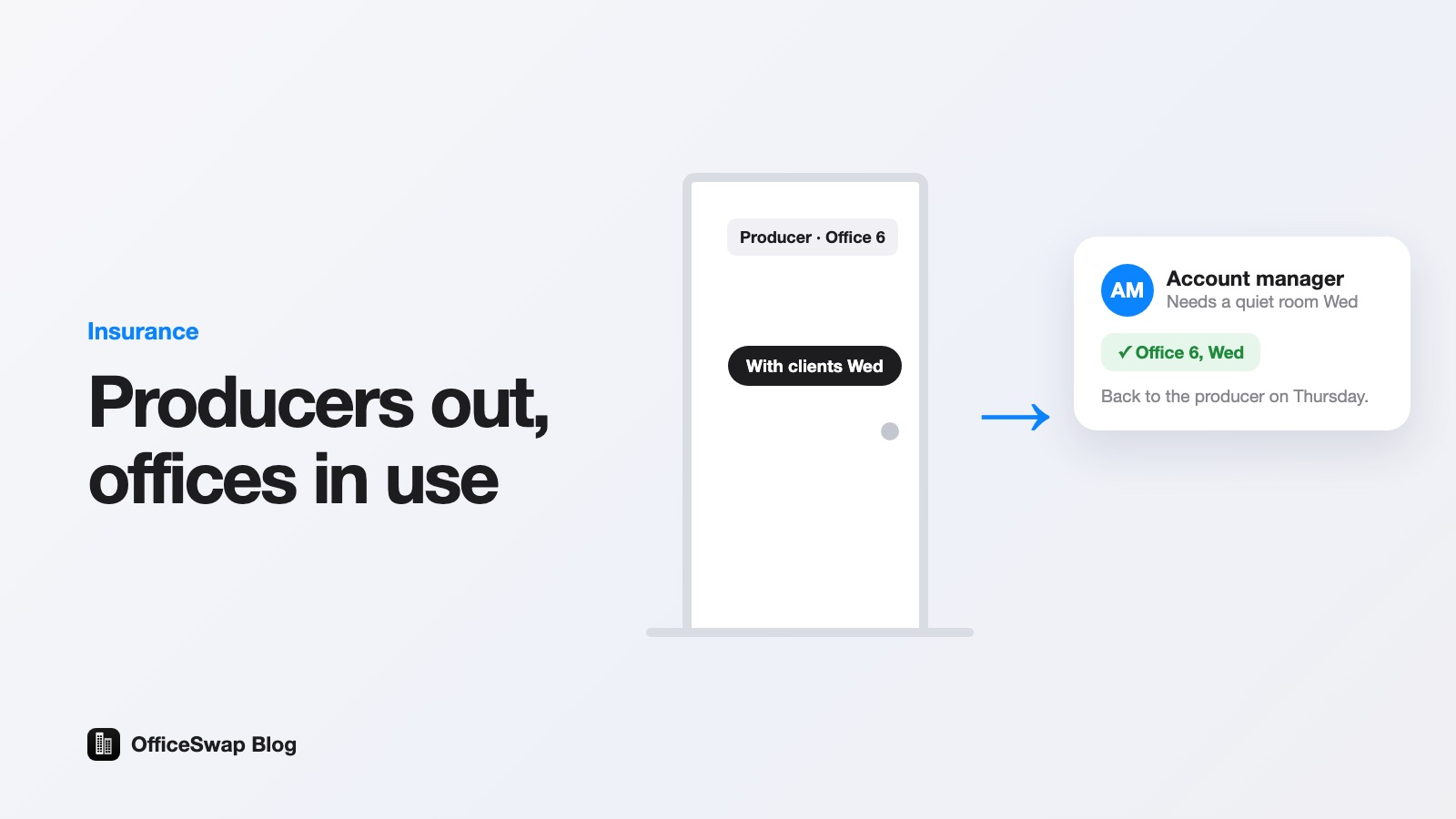
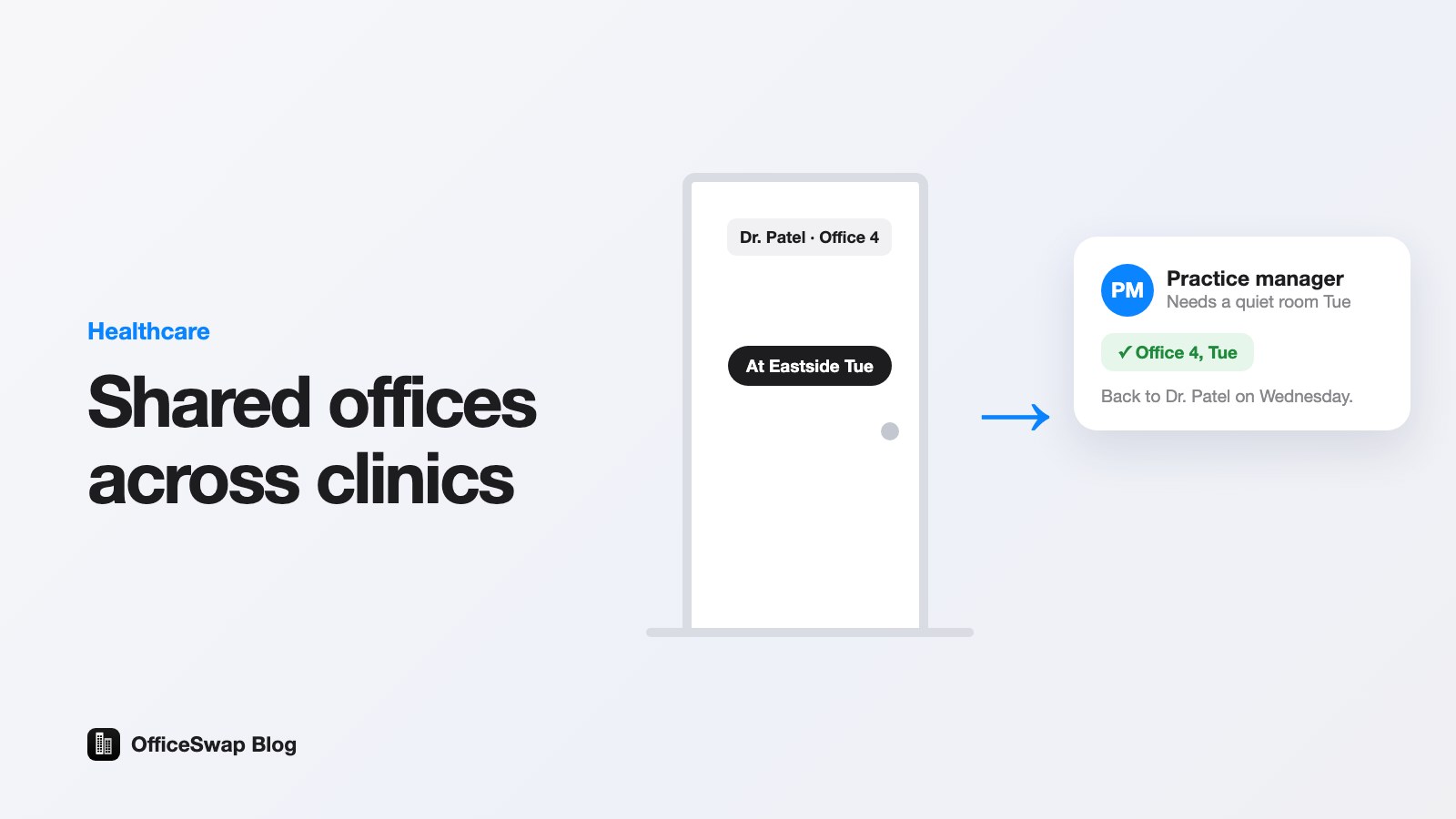
- Private offices: holders offer their own office for the days they're away, in two taps.
- Matching: first come, first served, with a waitlist that fills itself.
- Locations: unlimited locations and employees on every plan, and visitors can request a space at any office.
- Pricing: based only on the workspaces you list, from $299 a month, billed monthly with no annual contract. See pricing plans explained.
- Rollout: no hardware. Add your offices by typing them or scanning a staff list.
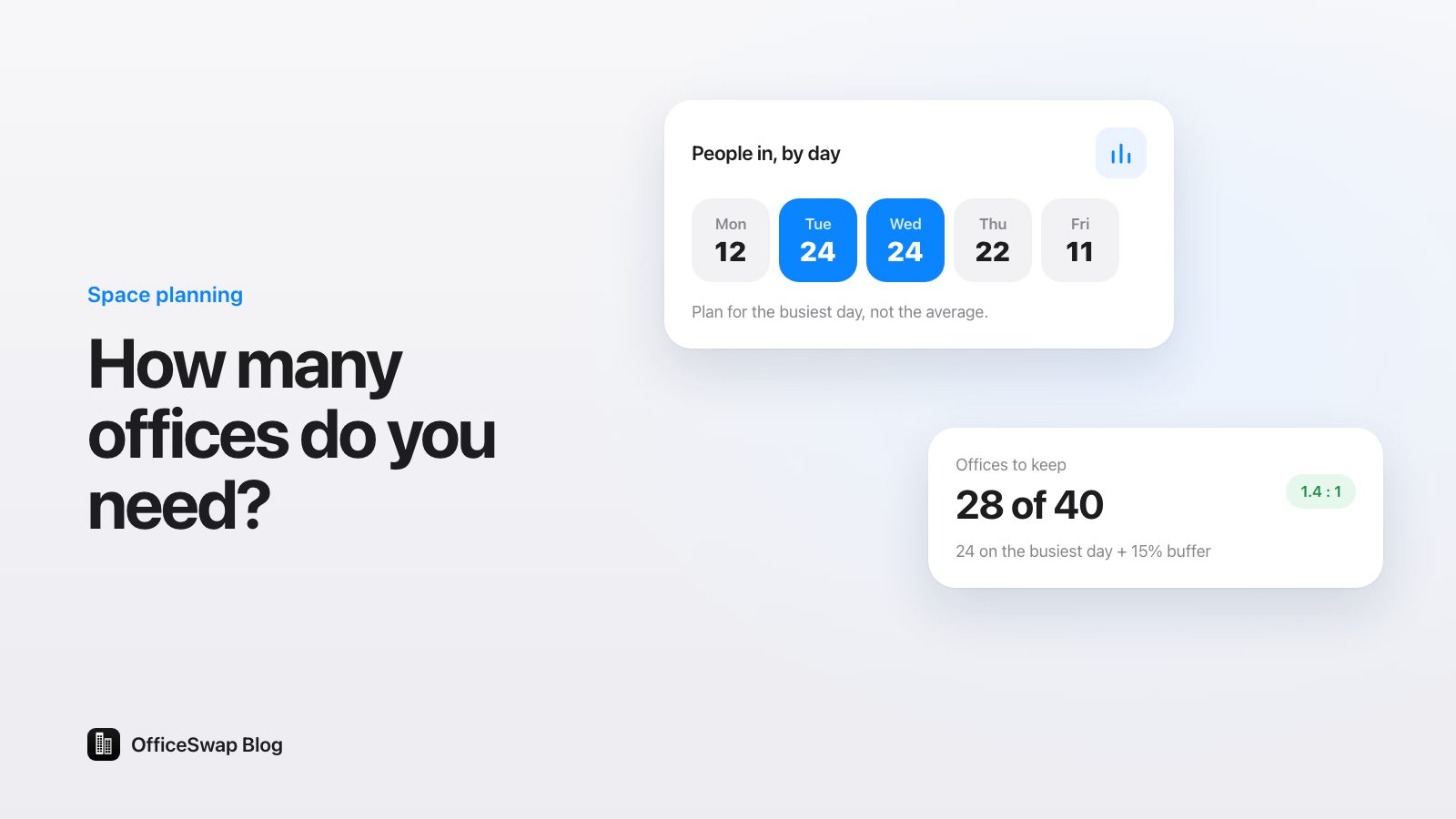
- Reports: insights on office use, with an estimate of how many offices you could release.
- Privacy: only people with your organization's access code can see your schedule.
- Trial: 30 days free with every feature, and a demo with no signup.
When another tool may fit better
If most of your people share open-plan desks, or you mainly need meeting room booking, a workplace platform built around floor-plan desk booking may suit you better. Compare the options on our comparison pages, and check each vendor's own site for current features and prices.
How to choose in three steps
- List what you're sharing: desks, rooms, or private offices.
- Pick two or three tools that handle that case.
- Run a free trial with your real offices for a couple of weeks.
Ready to see how it works for private offices? Start a free trial, or look around the demo first.
From the OfficeSwap blog: officeswap.co/blog/best-office-hoteling-software/