 OfficeSwap
Borrowing Someone's Office? 9 Etiquette Rules to Follow
When a colleague lends you their office for the day, they're trusting you with their space. Get it right and they'll keep offering it. Get it wrong once and the whole team hears about it.
Here are the rules that keep office sharing friendly.
1. Leave it exactly as you found it
Chair height, monitor position, the stack of papers on the corner of the desk: put everything back. A quick photo when you arrive makes this easy.
2. Don't open what's closed
Drawers, cabinets, bags and notebooks are off limits. If something confidential is lying out, leave it where it is.
3. Bring your own things
Use your own charger, headphones and mug. Borrowing the owner's personal things, even small ones, is the fastest way to make them stop offering.
4. Take your rubbish with you
No cups, wrappers or half-finished coffee left behind. Wipe the desk if you ate at it.
5. Keep calls considerate
A private office is great for calls, but its walls may be thinner than you think. Keep the volume reasonable, especially if neighbors are used to a quiet room.
6. Read the owner's note
Owners often leave a note with their offer, like where the monitor cable is or which light switch works. Read it before you start moving things.
7. Speak up about anything broken
If something breaks or goes missing while you're there, tell the owner the same day. A quick message is much better than them finding out.
8. Only book the days you'll use
Holding an office "just in case" keeps it from someone who really needs it. If your plans change, cancel straight away so it goes to the next person waiting.
9. Say thanks
A short thank-you message costs nothing and goes a long way. Owners who feel appreciated keep sharing.
For owners: make lending easy
- Clear the desk of anything private before your away days.
- Leave a short note about the setup: monitor, dock, Wi-Fi, lights.
- If you come back early, cancel your offer as soon as you know and let your guest know.
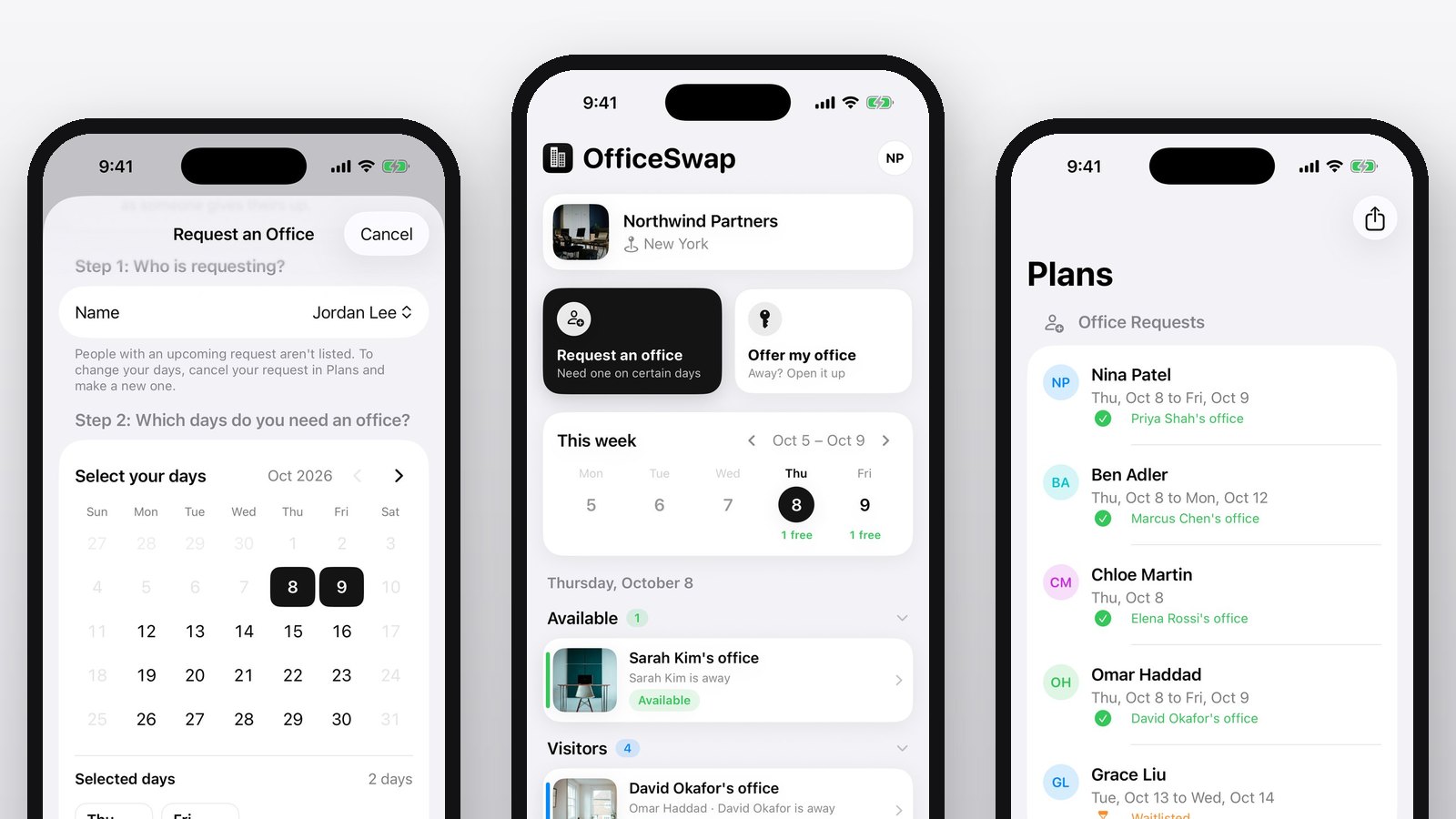
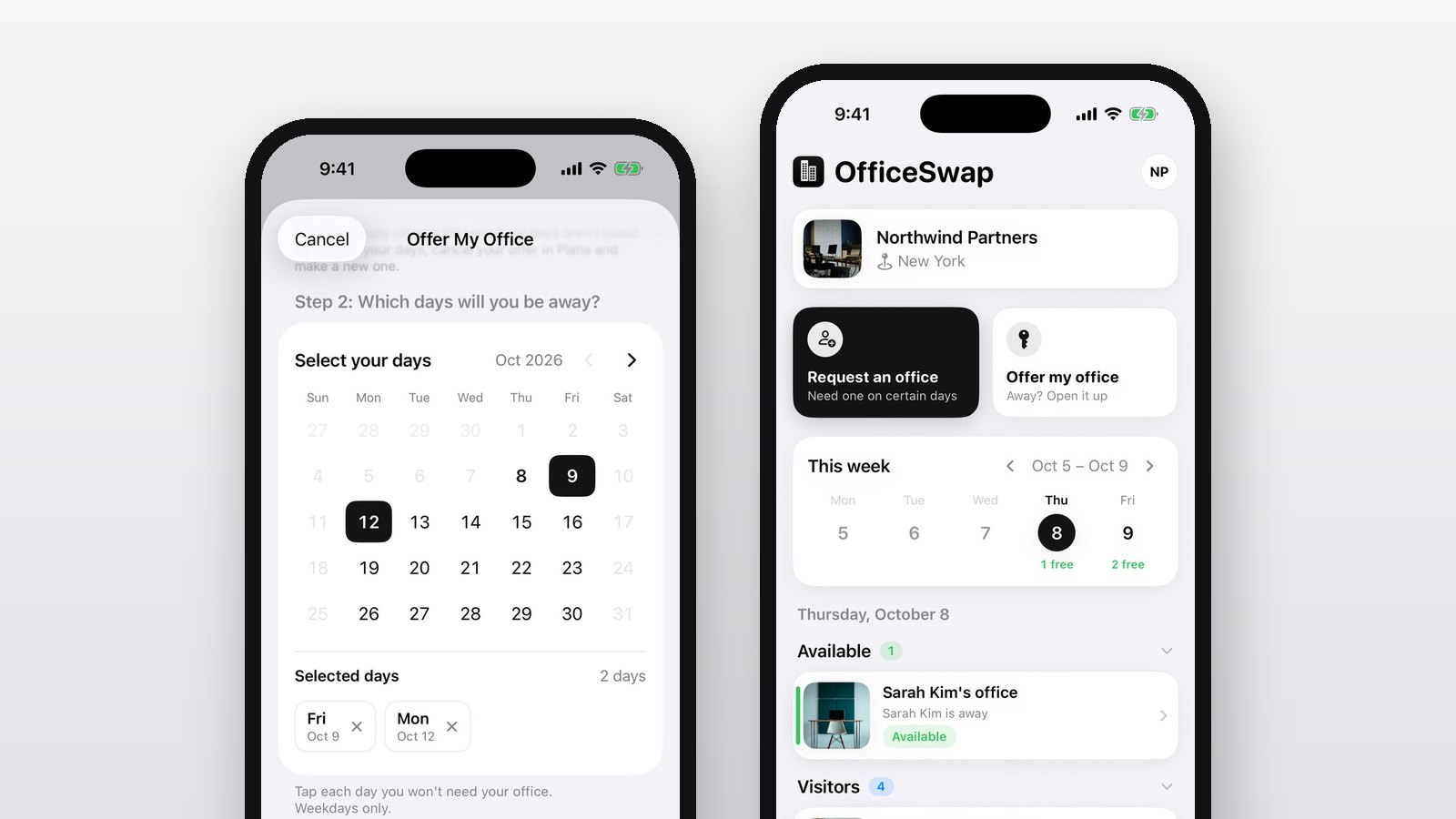
In OfficeSwap, owners can add a note when they tap Offer my office, and guests see it with their assignment. For the full list of dos and don'ts, see our Community Guidelines.